How to Deliver Wedding Photos to Clients
A Photographer's Guide to a Better Handoff
Glassline TeamJuly 13, 202610 min read
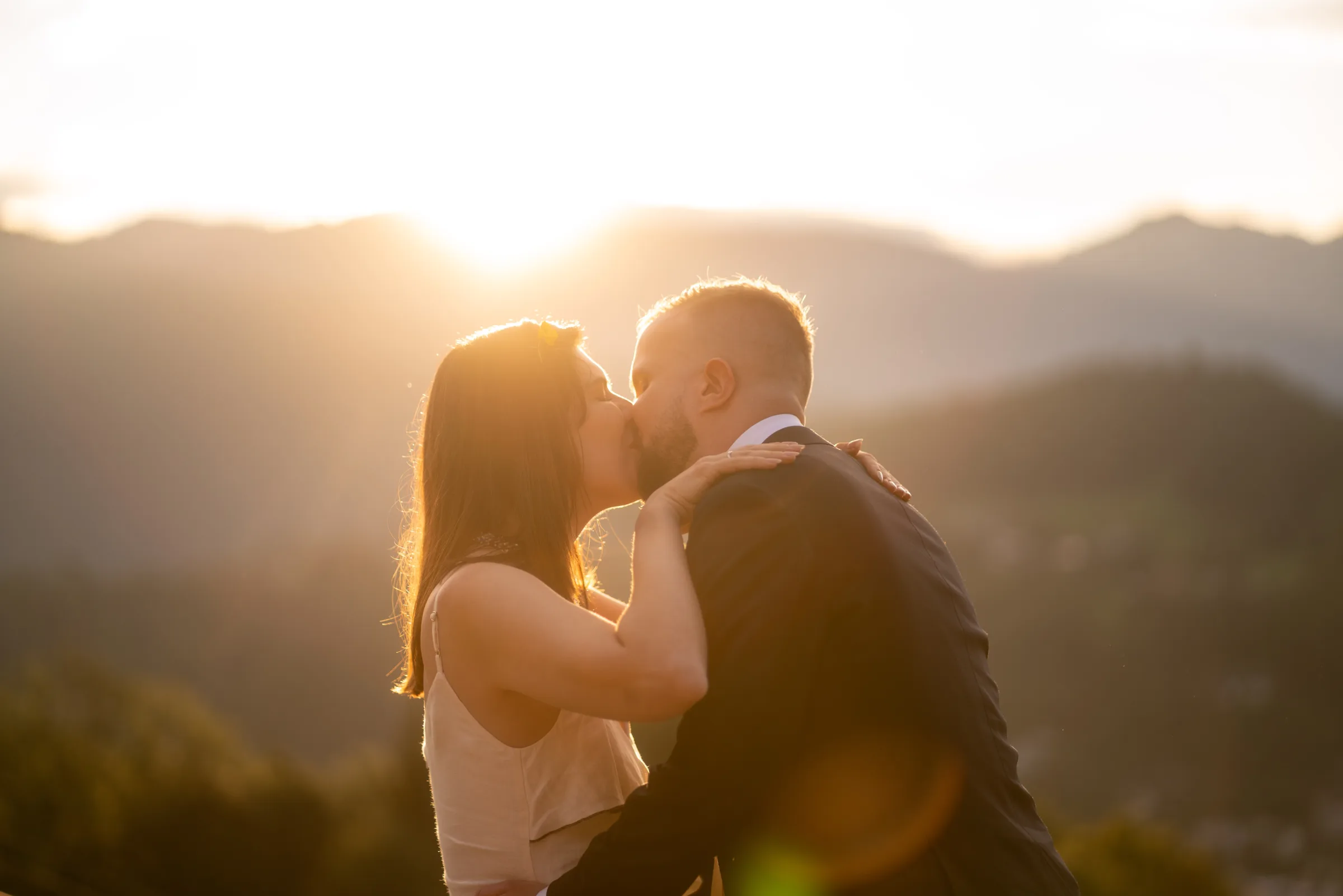
You shot the day beautifully. Now comes the part that quietly decides whether this couple raves about you to every engaged friend they have, or just files the photos away and forgets who took them. Learning how to deliver wedding photos to clients well is not an afterthought to the craft. It is the craft, extended all the way to the moment your couple opens the gallery for the first time.
Most couples will experience your work through a screen, on their own time, often on the sofa the week they get back from the honeymoon. That first open is the last impression you leave. This guide is about how to make it a good one.
Why delivery is part of the photograph
There's a temptation to think the job ends when the editing does. It doesn't. Delivery is the handoff, and handoffs are where trust is either confirmed or lost.
Think about the emotional arc. Your couple is at peak excitement in the days right after the wedding, then that high fades as normal life returns. When and how the photos arrive determines whether you catch them still glowing or long after the moment has cooled. A thoughtful delivery brings the feeling back. A clumsy one (a broken link, a gallery that won't load on a phone, an interminable wait with no word) turns anticipation into mild frustration.
Delivery is also your quietest, most reliable referral engine. When a couple shares their gallery, every friend, parent, and cousin who opens it is meeting your work directly. Photographers routinely find that a single well-shared wedding produces new inquiries, often from the parents, who rarely have nice photos of themselves and are delighted to finally have something to send around. Treat the handoff as marketing that markets itself, and it repays the care.
Set expectations before you deliver anything
Half of a great delivery happens before a single file changes hands. The other half is managing what your couple is waiting for.
Put turnaround in writing. The long-standing industry norm for a full wedding gallery sits somewhere around four to eight weeks, though it stretches longer in peak season and for photographers with heavier editing styles. The exact number matters less than the fact that it's agreed and written down. Put a clear window in your contract and repeat it at the pre-wedding consultation, so there are no silent, anxious weeks where the couple wonders if you've forgotten them. Client expectations have crept faster in recent years, so if you can deliver in three or four weeks, say so, and if you need eight, own that too. A promise kept beats a promise broken every time.
Send a sneak peek within 48 hours. This is the single highest-leverage habit in wedding delivery. A small set of five to ten finished frames, sent a day or two after the wedding, lands while your couple is still riding the high. It buys you goodwill for the weeks of editing ahead, and it gives them something to share while their guests are still talking about the day. Fast previews are also where those guest referrals come from: the photos get seen by dozens of people before the full gallery even exists.
Tell them how the photos will arrive. Don't assume the couple knows what a client gallery is, how long the download link stays live, or whether they'll get full-resolution files. A two-line note ("you'll receive a private online gallery, you can download everything in full resolution, and the link stays active for a full year") removes a whole category of follow-up questions and makes you look organised.
Choose a delivery method that respects the work
There are three common ways to get wedding photos to a couple, and they are not equal.
USB drives and physical media. Yes, you read that right: in 2026, people still do this. A branded drive can be a lovely keepsake, and some photographers offer one as a premium touch. But as a primary delivery method it's fragile: drives get lost in a drawer, fail without warning, cost money to ship, and increasingly meet laptops that no longer have a port to read them. As a bonus gift, charming. As the only way your couple receives their photos, it's a single point of failure with a wedding on it.
File-transfer links (the WeTransfer / Dropbox approach) are quick and handle large files, which is why so many photographers reach for them. The catch is everything that happens after you hit send.
Free WeTransfer links stay live for three days. Dropbox links don't expire on their own, but they hand your couple a folder, not a gallery. Either way the couple gets the same experience:
- Nothing is yours. No logo, no layout, no sense this came from the person they hired. Your work arrives inside someone else's product.
- Nothing previews. They can't look before they download, and on a phone, where most couples open the link first, a 350 MB zip is close to useless.
- The wait kills the moment. By the time the download bar fills, the couple who opened your email grinning has moved on to something else.
None of this is a knock on the tools. They're built to move files between colleagues and they're good at it. Handing a couple their wedding is a different job.
A dedicated online client gallery is where the craft and the practicality finally agree. A proper client gallery gives the couple immediate access on any device, keeps a backup off your own hard drive, presents the images the way you intended, lets you password-protect and control downloads, and stays live long enough to be useful. It's the only method that treats the delivery as an experience rather than a file transfer. This is the category Glassline sits in: a fast, clean online gallery built specifically for handing wedding work to couples, and for most working photographers, it's the right default.
Curate before you deliver
A gallery is not an archive. One of the kindest things you can do for a couple is decide, on their behalf, which frames are worth their attention.
Across a full wedding day you might capture a few thousand images. The delivered gallery for a typical eight-hour day usually lands somewhere in the few-hundred-to-eight-hundred range, a ratio that reflects hard culling, not a shortage of coverage. Cull first, edit second: keep the one frame that caught the moment and cut the three near-identical ones around it. From each set of posed formals, one clean frame is plenty. A tight, confident edit represents your eye far better than a bloated gallery padded with blinks and duplicates, and it spares the couple the fatigue of scrolling through your outtakes.
Order matters as much as count. Sequence the gallery so it tells the story of the day (getting ready, ceremony, portraits, reception) rather than dumping files in camera order. And lead with a hero image: the single best frame, first, so the very first thing they see is the day at its most beautiful. That opening frame sets the emotional temperature for everything after it.
Present it like it's theirs
Once the edit is right, presentation is what separates a professional handoff from a shared folder.
Keep branding light. A little of your logo and a clean, considered layout signals care. Too much branding turns the couple's memories into your advertisement. The images are the point; your job is to frame them, not to crowd them.
Preview before you send. Look at the gallery the way the couple will, ideally on a phone, since that's where most people open it first. Check the cover, the ordering, the load speed, the download button. Glassline's client gallery workflow is built for exactly this: you see the client's-eye view before anything goes out, so the first person surprised by a layout problem is you, not them.
Design for the phone. Most couples open the gallery on mobile before they ever sit down at a laptop: in the car, on the sofa, forwarding the link to a parent. A gallery that's slow, awkward to navigate, or clumsy to download on a small screen quietly undermines all the work that came before it. Mobile-first isn't a nice-to-have; it's where your delivery actually gets judged, which is why Glassline's client galleries are built to work on any device.
The practical mechanics
The unglamorous details are what make or break the experience. Get these right and the couple never has to think about them.
Full-resolution downloads. Couples want to print, and they want the real files, not compressed previews. Make full-resolution downloads simple and obvious: one clear button, no account to create, no hoops. If you offer web-sized versions too, label which is which.
Password protection and private sharing. Wedding galleries are personal. Password-protecting the gallery lets your couple share wedding photos privately, with family and friends they choose, without the images sitting open on the public web. It's a small step that signals you take their privacy seriously.
Where the data lives, and whether it trains AI. This used to be a footnote. It isn't anymore. Images of identifiable people are personal data under EU law, which means where you store and process wedding photos is a real professional question, not just an IT one. Couples, and especially any brand or agency clients you shoot for, increasingly ask two things: where are my photos hosted, and is anyone using them to train AI models? Being able to answer clearly is fast becoming part of looking professional. Glassline stores uploaded photos and files in the EU and publishes its DPA and subprocessor list. Whatever platform you use, know its answers before a client asks.
Availability windows and access control. Decide how long the gallery stays live and tell the couple up front. A generous window means they're not panicking to download everything the first night; clear access control means you decide who can see and download what. Both are things a real client gallery handles for you and a bare file-transfer link does not.
Deliver as a marketing moment
The gallery is ready. How you hand it over is the last 5% that couples remember.
Send a warm delivery email, not a bare link. A few genuine sentences (a favourite moment from the day, a thank-you, then the link and the simple instructions) turn a transaction back into a relationship. This is the email they'll forward to their families, so make it one you'd be glad to have passed around.
Make sharing effortless. The easier it is for the couple to send the gallery on, with one tap and no friction, the more guests see your work and the more that quiet referral engine turns. If you watermark any preview or social-sized images, keep it tasteful. Glassline applies watermarks automatically as you upload your photos, and our free watermark exporter handles one-off files on their own.
Ask for a review, warmly and later. Not in the delivery email itself; let them enjoy the photos first. A week or two on, a short, sincere note asking if they'd share a few words about working with you is the natural close to a great experience. Couples who felt cared for at delivery are the ones who write the reviews and send the referrals that fill next year's calendar.
Bringing it together
Delivering wedding photos well is really just extending the same care you brought to the day itself: set honest expectations, get a sneak peek out fast, curate with a firm hand, present the work like it belongs to the couple, and handle the downloads and privacy so cleanly they never have to think about them. Do that, and the handoff stops being an afterthought and becomes one of the best marketing tools you have.
Glassline was built for this last mile: client galleries alongside a portfolio and About page, in one focused product with photos and files stored in the EU. There's a Free plan, so you can start without a card, and the Hobby plan costs €7/month when you're ready for more. If your current delivery feels like an afterthought, start with the Free plan and hand your next couple something that feels like it was made for them.