
Skip to content
Wedding photography

The whole day, delivered like it felt.

02

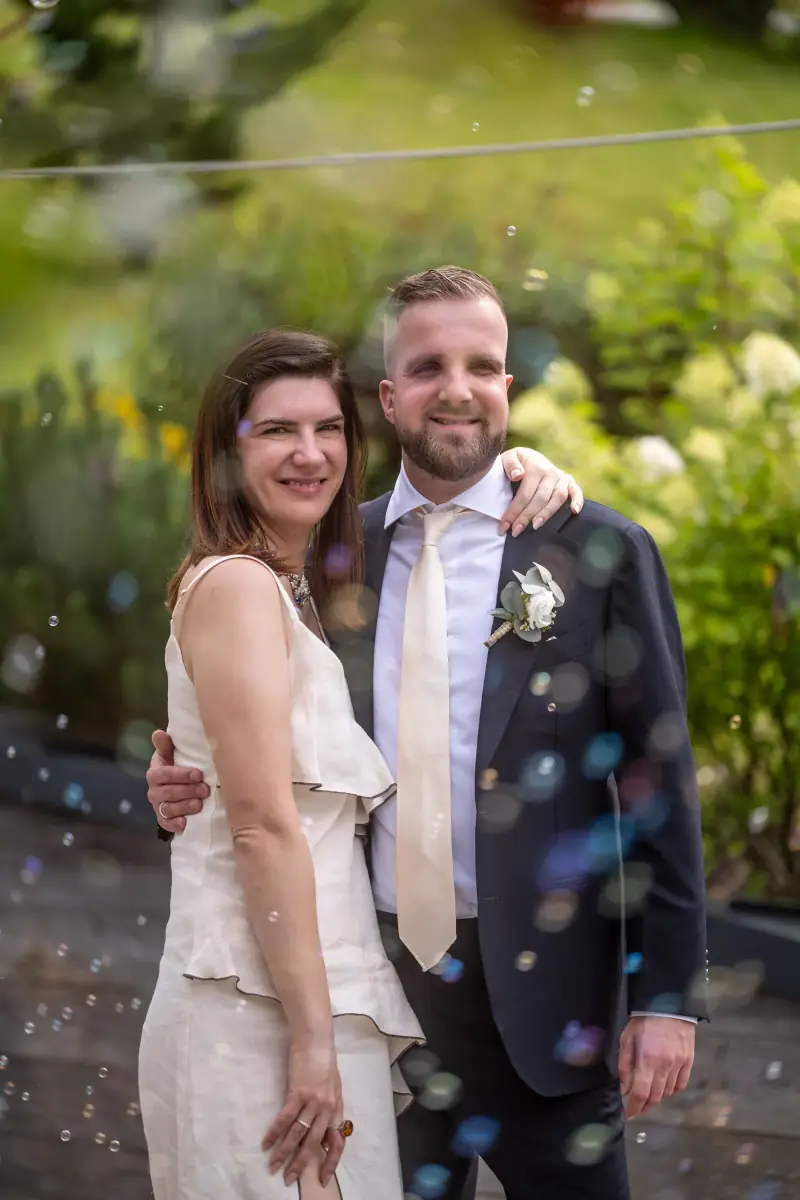
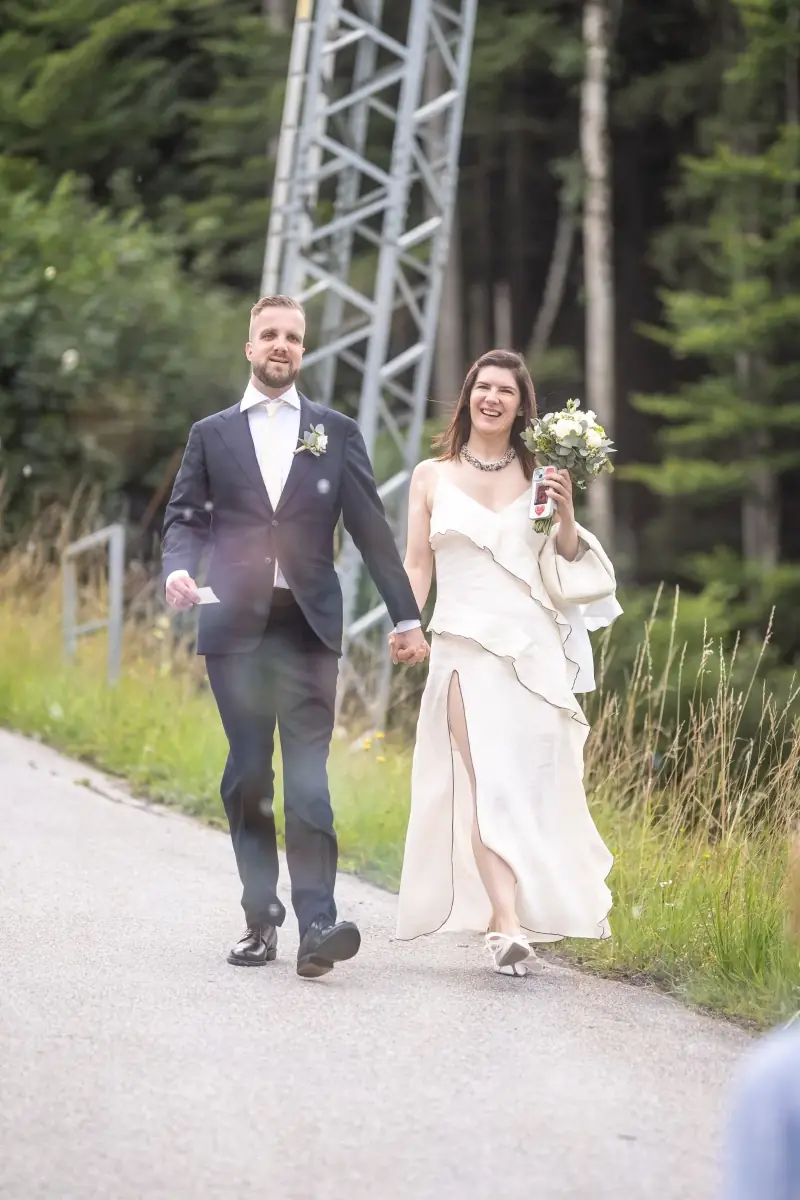
Portraits

gallery-02.webp
gallery-03.webp
gallery-04.webp

The highlights and the complete story in one gallery, arranged in chapters. The couple opens it without an account, shares it with family, chooses for the album, and downloads what they need, all from one link.

This is what the couple opens.

Their cover, the day in chapters, and every photograph a tap away. One link, on whatever device they are holding when it arrives.

https://glassline.app/share/demo-anna-and-mark

What the client sees: Anna & Mark

Anna & Mark
June 14, 2026

Anna & Mark

Photos byFieldnote Studio

Ceremony, portraits, and the last dance.

01

Ceremony

gallery-01.webp
A7R06732.webp
A7R06898.webp
02

Portraits

gallery-02.webp
gallery-03.webp
gallery-04.webp
03

Reception

gallery-05.webp
gallery-06.webp
What the client sees: one link opens this finished gallery, without an account.

Step 1 of 2: A gallery worth opening. A considered cover welcomes your client to the finished photographs.

In detail

The day, in chapters

Give a long day a clear shape

Upload preparations, ceremony, portraits, and the party as subfolders to create those named sections automatically, or build the sections by hand. Then drag photographs and whole chapters into the order the day actually happened.

  • Sections from your subfolders
  • Named chapters for every part of the day
  • Drag-and-drop photos and sections

Portraits

Drag to reorder
Presentation

Let it look like your work

Open on the frame that sums up the day, then choose how the rest flows: a vertical or horizontal layout, larger or smaller thumbnails, tighter or looser spacing.

  • Your choice of cover
  • Vertical or horizontal layouts
  • Thumbnail size and spacing

See how your photographs flow

Try it

These controls are live. Change the grid style, thumbnail size or spacing, and the preview beside them updates exactly as your client would see it.

Photographer's screen: Gallery design

gallery-01.webp
gallery-02.webp
A7R06732.webp
gallery-03.webp
gallery-04.webp
gallery-05.webp
gallery-06.webp
A7R06898.webp

Family and friends

Make sharing part of the experience

The couple sends one link to family and friends, and guests arrive at the photographs without an account or an app. Keep the gallery private while you prepare it, and add a password when the link alone should not be enough.

  • One link for every guest
  • No account or app
  • Private until ready, password when needed

Ready to deliver

Anna & Mark

Copy the gallery link or send a personal invitation directly to your clients.

Access & password

Choose who can open the gallery and whether they need a password.

Visibility

Anyone with the link can view this gallery.

Password protection

Album selection

Let the couple choose for the album

Invite the couple to accept or reject each photograph for the album, next to the photograph itself, instead of sending a list of filenames. Every choice is signed, so you know whose it was when both of them, or a parent, weigh in.

  • Accept or reject in the gallery
  • Signed by each reviewer
  • No spreadsheet of filenames
https://glassline.app/share/demo-anna-and-mark

What the client sees: Client photo viewer

Downloads

Their favorites, or the whole day

Guests save the handful of photographs they are in, and the couple takes the complete gallery. Larger downloads are packed in the background and arrive by email, so nobody waits on a page, and you decide which formats each gallery offers.

  • Single photos save straight away
  • Selections or the complete gallery
  • Delivered by email

Referrals

Every guest meets your work

A wedding gallery is seen by everyone who was there, and the next couple is often among them. Each delivered gallery ends with your name and a way on to your website.

  • Your name under every delivery
  • A link to more of your work
  • Discovery without extra effort
Photographer flow

From finished photos to delivery.

01

Upload

Upload finished photos individually or as an organized folder.

02

Arrange

Use the sections created from your subfolders or build your own, then choose a cover and set the sequence.

03

Configure

Choose access, proofing, and download options.

04

Share

Send one link to the couple.

Common questions

Good to know.

Do clients need an account?

No. Clients can open a shared gallery, review photos, and use the download options you provide without creating an account.

Can I password-protect a gallery?

Yes. Password protection can be enabled for individual galleries.

Can I start for free?

Yes. Glassline has a Free plan and does not require a credit card to start.

Can a full wedding stay in one gallery?

Yes. Sections keep a large wedding delivery organized within one gallery. Create them automatically from first-level subfolders or add and name them yourself.

After the wedding

Plan the next one

Keep the couple, their contacts, and a private note together in one client record, with the gallery linked to it. When a guest who found you through the gallery writes about their own wedding, give them a record and a note too, so the next booking starts organized.

See client management →
Begin

Deliver the whole story.

Create a wedding gallery that feels considered from the cover through the final download.

Start for free