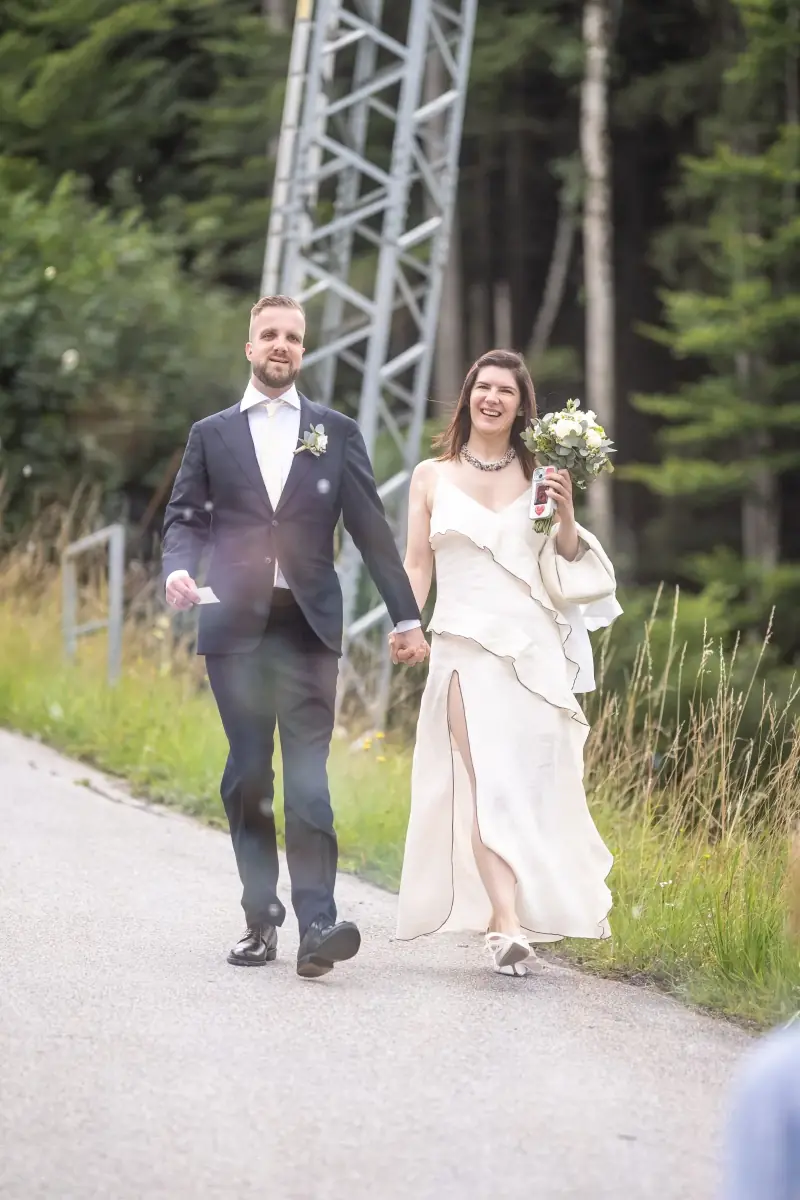
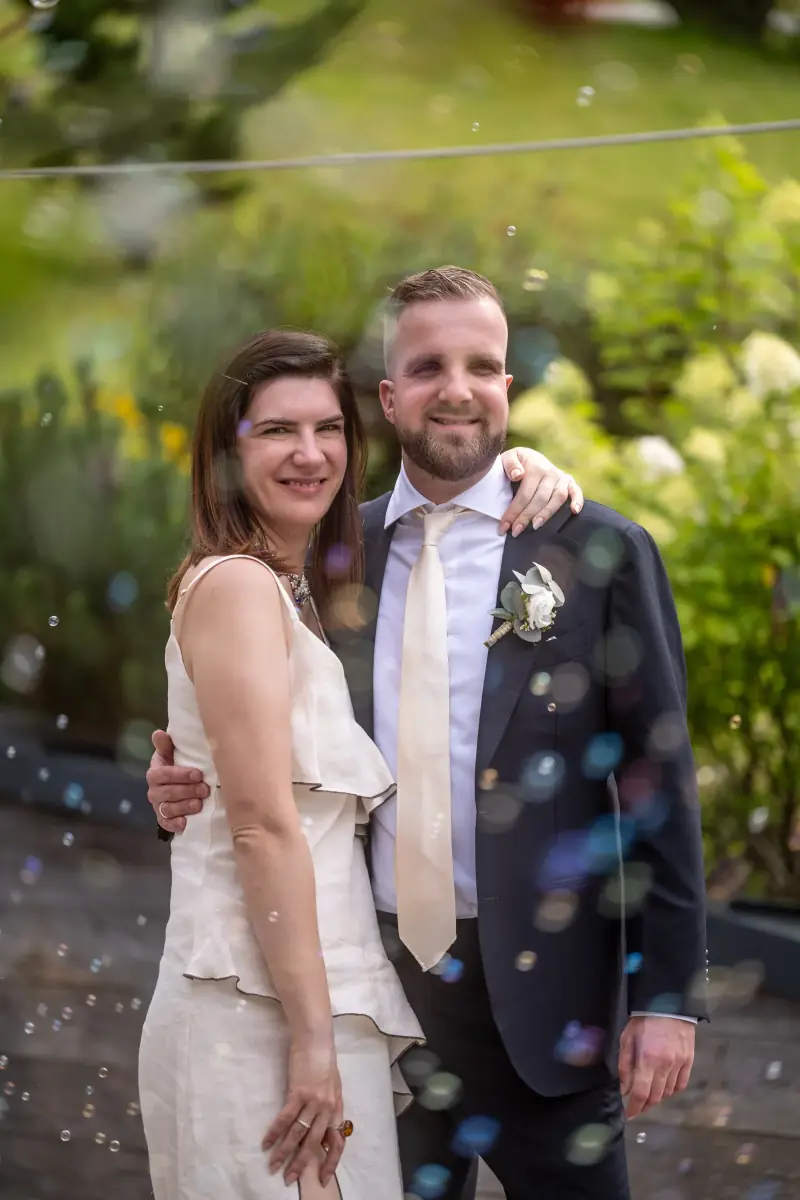

Visitor experience · Step 1
Open the gallery
The shared link opens the gallery, with no account.
Portrait photography
Your client chooses their favorites beside the photographs, in their own gallery, with no account to create. You see every choice, and who made it, then deliver the retouched set from the same link in the formats you choose.
01 · Your client’s experience
Your client accepts and rejects frames on whatever device they have to hand, and every choice saves as they go. The frames they accepted are waiting in your gallery editor, ready to filter and copy.
Visitor experience · Step 1
The shared link opens the gallery, with no account.
Visitor experience · Step 2
Accept or reject from the client's photo viewer.
Visitor experience · Step 3
Enter a name once, so the photographer knows whose choices these are.
02 · In detail
Prepare the gallery, guide the review, and manage the delivery.
Visitor experience · Selection
Clients go through the set frame by frame and accept or reject each one where they can see it, instead of copying filenames into an email. Each choice saves the moment they make it, and a frame that needs retouching can carry a comment.
What the client sees: Client photo viewer
Your workspace · Your package
Sold a package of 15 retouched portraits? Set an accept limit on the gallery, and each person choosing can accept up to that many. They see the limit with their first choice, and once they reach it they swap a frame instead of adding one. Rejecting is never limited.
Photographer's screen: Client proofing
Your workspace · Retouching list
A family portrait or a team headshot often has more than one person choosing. Every photo in your gallery editor carries a badge with its accepts and rejects, and opening it shows who chose what. Filter by one person or combine them, then copy the filenames your filter shows, formatted to paste into Lightroom Classic, Capture One, or Finder.
Photographer's screen: Client responses
Your workspace · Private review
Keep the gallery private while you prepare it, then share the link when it is ready. Add a password when the link alone should not be enough, and your client meets a simple gate before the photographs.
Who can open it
Type a new password to replace the current one.
Clients stay unlocked for 3 days per device, then need the password again.
Your clients will see 8 photos. They can look through them, download them and pick their favourites. They need the password to open it.
See what they seeYour workspace and visitor experience · Watermarks
Turn on a text or logo watermark for a gallery while your client is choosing. Previews carry your mark, the originals you uploaded stay untouched, and downloads are never watermarked.

Your workspace · Final formats
When the retouched set is ready, choose which formats the gallery offers. A size ready for social is always included; add full-resolution originals for print or smaller files for the web. Your client picks the one they need, from the same link they proofed in.
Clients choose from the sizes that are on.
Your workspace · Release
Downloads are a switch on each gallery. Leave it off while your client is choosing, so the gallery offers no download of an unretouched proof, and turn it on once the finished portraits are in.
Photographer flow
01
Upload and arrange the portrait set.
02
Add password protection and watermarking when needed.
03
Invite the client to make selections.
04
Release the finished set in the formats you choose.
Common questions
No. Clients can open a shared gallery, review photos, and use the download options you provide without creating an account.
After the session
Portrait clients come back: a new headshot next year, the family again when the children have grown. Keep each client, their contacts, and a private note from the session in one client record, with the gallery linked to it, so the next booking starts where this one left off.
See client management →Begin

Collect selections and deliver the final portrait set without reconciling filenames across messages.
Already have years of work on another platform? We can move it for you.